Shop & equipment
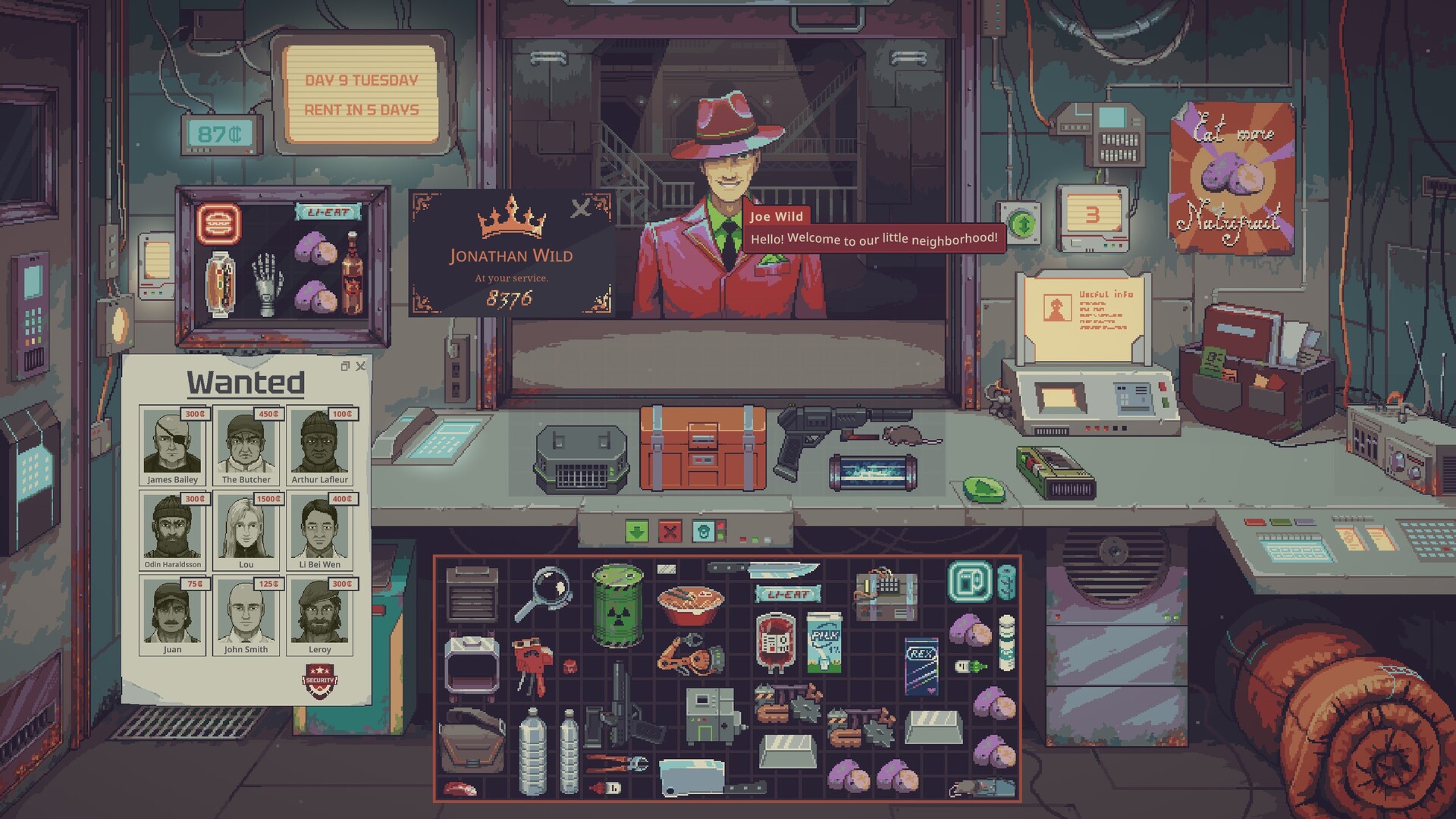
Probably Stolen display case: get the buyers and suppliers you need
Put merchandise in the display to attract buyers through its tags and value. Put supplier signs there to replace normal customers with the corresponding sellers. These are different pools: adding several signs does not create a separate new visit for every sign. Check their order in the clientele panel when a needed supplier keeps missing.
Decide what the shop needs from tomorrow
If your pitcher lacks a filter, the next useful visitor is a household supplier. If finished water occupies your containers, you need an eligible water buyer. Advertising a supplier does not solve unsold finished stock, and advertising a buyer does not place an order for ingredients.
- Buyer job: sell owned stock
Display merchandise with its tag. Select an eligible buyer tier.
- Supplier job: replace a visit
Display the relevant supplier sign. Uses the normal-customer pool.
- Several signs compete
Read the clientele priority list. Earlier success can use a slot.
- Check the resulting queue
Keep bait for the needed input. Remove competing signs if needed.
Use merchandise tags and combined value
The community display record describes buyer selection through valid item tags and the combined value carrying each tag. A high-value tag wins priority when there are more eligible tags than available buyer places. Not every descriptive tag is a display category: the guide explicitly says Luxury is not a standalone buyer category.
| Selection rule | Supported demo observation | Action |
|---|---|---|
| Ordinary tag value | 1–144: tier 1; 145–349: tier 2; 350+: tier 3. | Add the value of the relevant tag, rather than counting objects. |
| Household exception | Its tier-3 threshold is reported at 300 combined value. | Do not apply the ordinary 350 threshold to every category. |
| Water exception | Gutterflow through Basewater labels: tier 1; High-Quality: tier 2; Pure: tier 3. | Use a genuine tested sample; the higher result from label or value takes priority. |
| Value-based tier 3 | The source places this behind day 14. | Do not assume an expensive display overrides every progression gate. |
| Buyer capacity | One base place, with one more from each relevant buyer-referral/display upgrade. | Check the upgrades you actually own; extra tags can compete. |
Attracting a customer is not the same as making an item eligible for sale. Read the visitor’s accepted tags, restrictions and available budget. UPDATE 049 makes a filled liquid container Water merchandise and an empty one Household merchandise; leaving an empty vessel in the case is a different advertisement.
Signs replace a limited pool
The community list includes water, food, material, medical and household signs, plus other specialised bait. It describes these sellers arriving after event customers and before the remaining normal customers. The clientele panel supplies the relevant priority order.
Two-slot case: the list starts with a water sign, then a material sign, then an appraisal board. If the first two successfully take the two available normal-customer slots, the board gets no remaining place. Its absence does not prove the board is broken. Remove unnecessary bait when one specific input matters more than the others.
A Wild referral and a fixed Friday supplier follow other rules. Moving a neon sign cannot turn a pooled farmer into a guaranteed daily appointment. Use the supplier calendar to distinguish those sources.
Check the reason before buying more bait
| What is missing? | Check | Next action |
|---|---|---|
| All display activity on tutorial day one | The official playtest change disabled the display for that tutorial day. | Finish the tutorial sequence; do not buy duplicate signs. |
| A buyer for finished stock | Valid tag, actual contents, buyer capacity and store condition. | Use a suitable sample and read the expected clientele. |
| One supplier despite its sign | Higher-priority signs and the available normal-customer pool. | Remove competing signs and check the panel again. |
| The retired winemaker or rancher | Business upgrade and weekday. | Follow the weekly schedule rather than waiting on a neon roll. |
| A sale after the right buyer arrives | Accepted product tags, price and budget. | Offer eligible stock and inspect the current trade before negotiating. |
Keep the shop attractive enough to generate buyers. Read the clientele panel for the current visit pool before adding more signs, and leave cash available for the trade you want to make.
Prepare a useful window and retain working stock
Choose one priority: refill a missing input, or move the product already made. Leave only the bait needed for that job, retain enough real product to sell, and inspect the clientele after preparing the display. After the visit, keep the next container, feed or power input funded.
Source: Display Case and You. Community mechanics describe the current demo; read the actual item and customer information before spending.
The official patch notes establish the tutorial lock and UPDATE 049 container-tag changes.