Shop & equipment
Probably Stolen Toolbox and inventory: equip tools and move stock faster
After day 14, Dr. Jackson can sell the Toolbox. Put owned tools in its slots and use keys 1–9 to equip the corresponding tool. The player report describes scrap-expanded slots and hotkeys working while the box is inside a suitable container. Use official multi-select, Shift placement and sorting controls to move stock; they do not change testing, ownership or appraisal rules.
Get the item before hunting for hidden shortcuts
UPDATE 049 specifies the source and progression gate: Dr. Jackson sells the Toolbox after day 14, and number keys 1 through 9 equip its corresponding slots. The same update restricts equipping to owned items. A tool seen in a seller’s stock is not automatically usable as your equipped tool.
The September 15 player walkthrough describes using scrap to add slots, up to nine. It does not provide a verified cost for every added slot, so check the current upgrade prompt and keep enough scrap for existing production repairs.
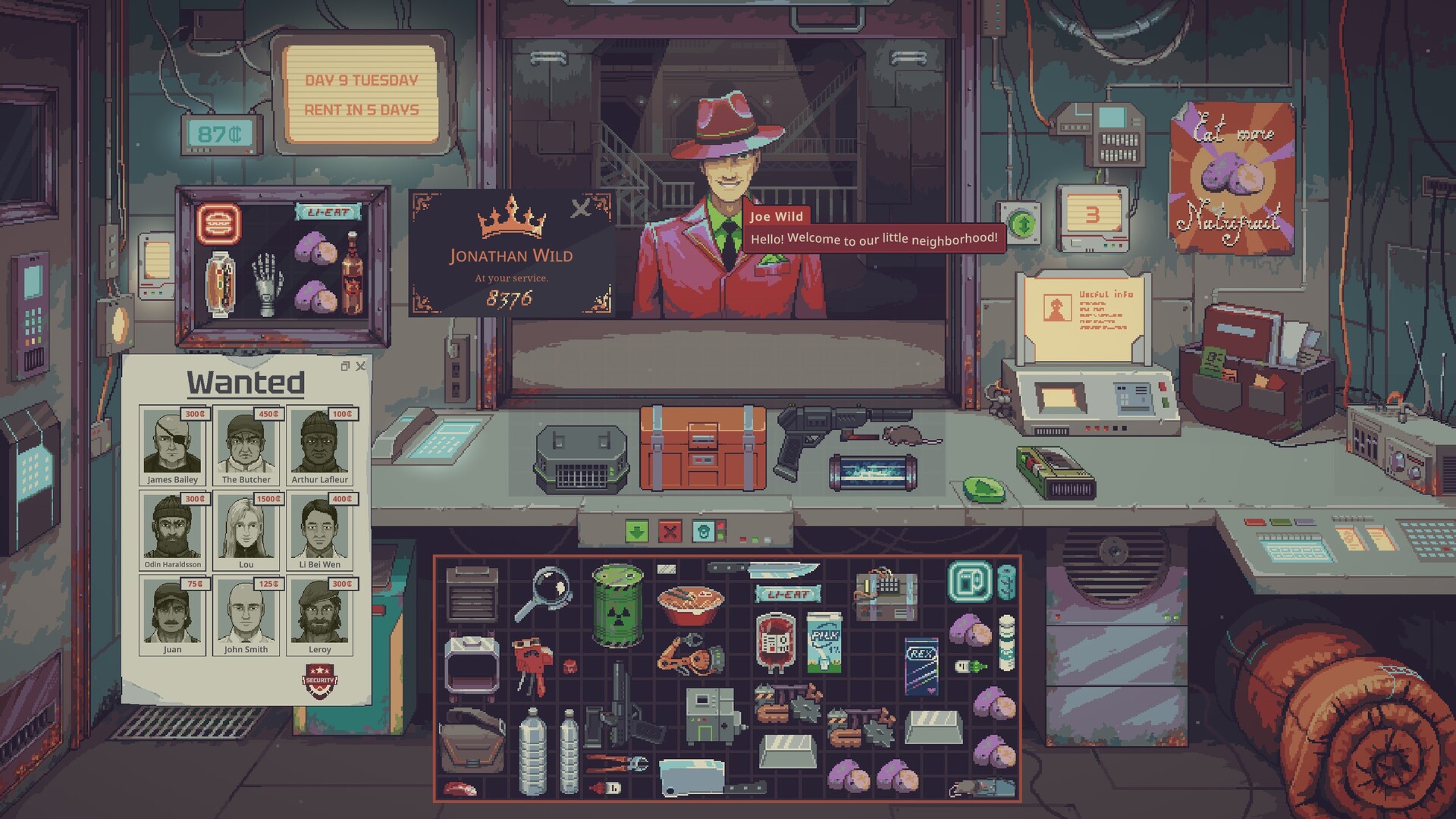
Give each shortcut one repeated job
| Tool job | Why a slot helps | The shortcut does not do |
|---|---|---|
| Magnifying glass | Inspect several offered berries or appraisal objects without finding the tool again. | Classify every berry automatically or replace its matching reference. |
| Water tester / AquaScan | Bring the relevant testing tool forward for the next vessel. | Make a label prove the liquid’s grade; tool capabilities still differ. |
| Blue or red labeler | Return to the label operation quickly while organising stock. | Change the actual purity, ownership or genuine condition of an item. |
| Gene Scanner | Switch into comparing inherited rat traits. | Choose a guaranteed best breeder from the average alone. |
| Knife or cleaver | Reach the owned processing tool when a meat decision is already made. | Increase meat output merely because the weapon looks larger. |
Arrange your own slots and remember their numbers; this table describes jobs, not a fixed in-game slot layout. The primary player account reports the keys still working with the Toolbox in another container, but also says the box does not fit every container. Verify the actual fit rather than rearranging the shop around an assumed bag size.
Use the official inventory controls
| Operation | UPDATE 049 control | Useful check |
|---|---|---|
| Select several items | Drag a selection box. | Move a deliberately selected set, not surrounding sale stock. |
| Precise placement across inventories | Hold Shift while dragging the selection. | Confirm room and the intended receiving inventory. |
| Sort a grid inventory | Right-click it for the contextual sort menu. | Recheck where your production input or sale stock ended up. |
| Rotate or flip a dragged item | Mouse wheel up/down and middle click. | Check the actual footprint before buying another container. |
| Swap owned batteries | Drag one owned battery onto another. | Inspect usable charge afterward, not just the familiar sprite. |
| Discard an owned shop item | Delete while hovering sends it to the trash. | Use intentionally; this is not a harmless deselect command. |
| Close the latest window | Escape closes the most recent item or paper window. | Do not confuse closing a window with removing its contents. |
Before purchasing, UPDATE 049 lets you preview containers and machines. Inspect their real slots and footprint while comparing the complete cost of a setup. A storage purchase is useful only if it holds the intended item and leaves the next operating cycle funded.
A fitting container still needs the correct ownership
The update prevents owned items being inserted into non-owned containers and restricts equipping to owned items. Previewing a box offered by a visitor is therefore different from owning a place to store tools.
Custom Blue Labeler names also carry into container window titles. Use clear names when separating stock for sale, tools and next-batch inputs. Closing a named container window does not make the inventory unimportant: check its contents before selling or discarding the parent item.
Inspect, decide, then organise
- Own the box and tools
Assign the slots you actually use. Number keys 1 through 9.
- Inspect the next offered item
Magnify, test or scan as needed. The tool rule still applies.
- Buy only the funded input
Preview capacity before payment. Keep the next batch complete.
- Sort or move owned stock
Check the destination and charge. Retain the tools for reuse.
For a berry purchase, equip the magnifying glass, inspect each candidate, buy enough for the chosen recipe, then put the acquired ingredients with the owned bottle. For water, use the correct test tool and return to the treatment plan. The aim is fewer repeated window searches while keeping the same inspection standard.
Source: Hot Tip: Toolbox Toolbox Toolbox. Community mechanics describe the current demo; read the actual item and customer information before spending.
Controls and the day-14 shop gate come from official UPDATE 049.